Keeping Your Organisation Profile Up to Date
Once your Funding Profile is set up, you don't need to rebuild it by hand as your organisation changes. Whenever you add new information, Fundsorter updates your profile for you in the background. (Setting up a profile for the first time is covered in the profile setup guide.)
Your profile updates automatically
When you add new material to an organisation that already has a profile, Fundsorter automatically regenerates the profile to include it. This happens when you:
- upload a new Supporting Document,
- add a website for us to scan, or
- edit your organisation description.
You don't need to click "Re-generate" — it starts on its own once the new content has been processed.
Watching an update happen
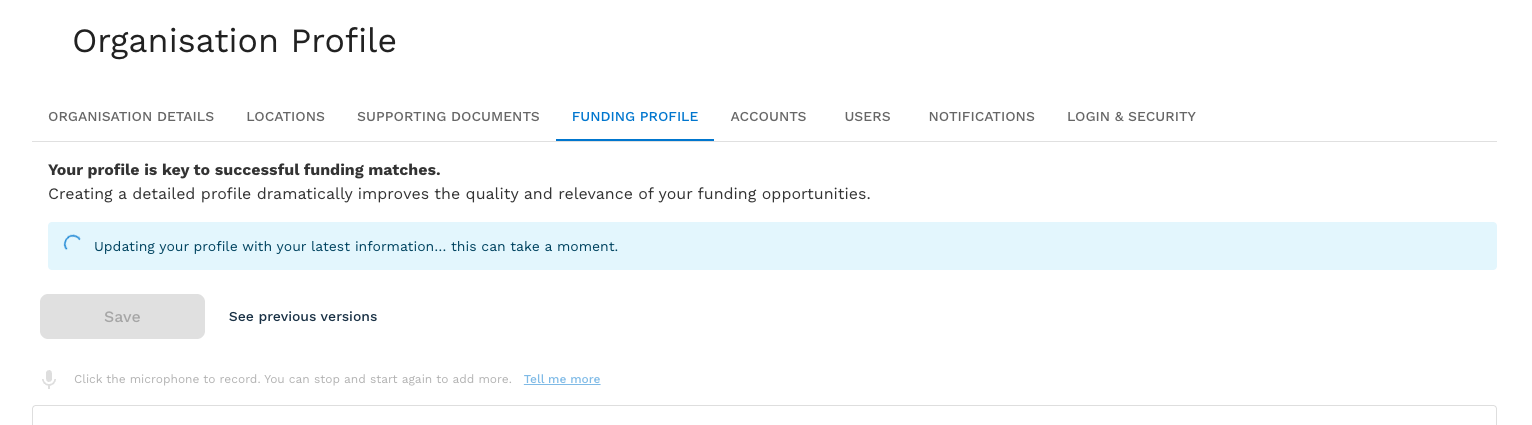
On the Funding Profile tab you'll see an "Updating your profile…" message while the update runs. You can leave the page and come back — the update keeps going in the background, and other people in your organisation will see it too.
When it finishes, Fundsorter shows a short summary of what changed — or lets you know your profile was already up to date and nothing needed changing.
While an update is running, the profile text box is locked, and actions that rely on your profile — finding matches or drafting an application — will ask you to wait the moment it's done. This keeps them from using a half-updated profile.
Reviewing and restoring past versions
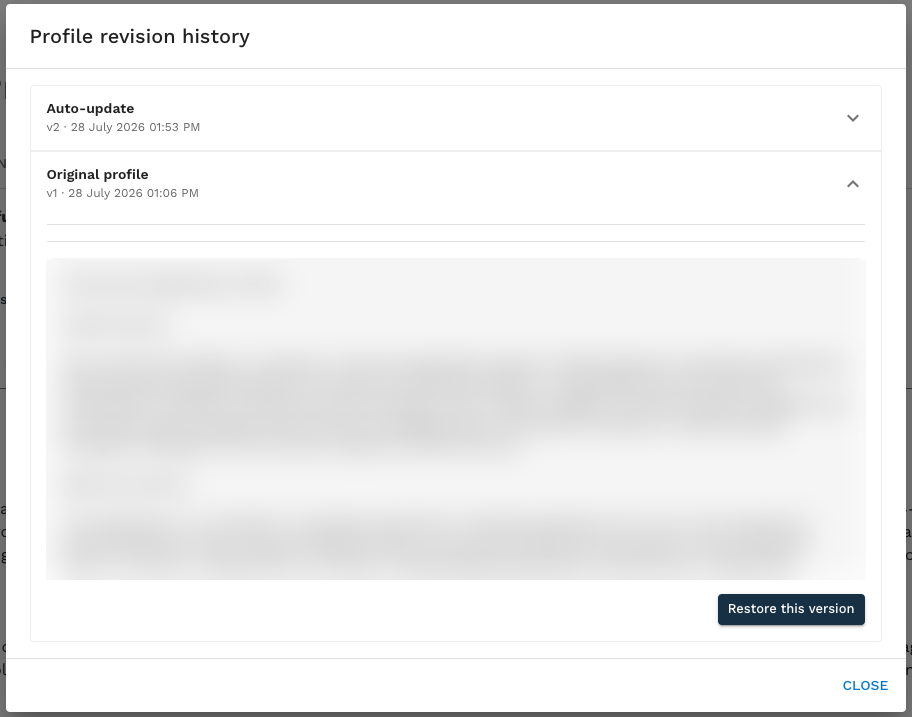
Every version of your profile is kept. On the Funding Profile tab, click See previous versions to open the revision history.
From there you can compare versions, see what each update changed, and restore an earlier version if you prefer it. If an update didn't finish, the history also shows the reason it didn't complete.
Editing your profile directly
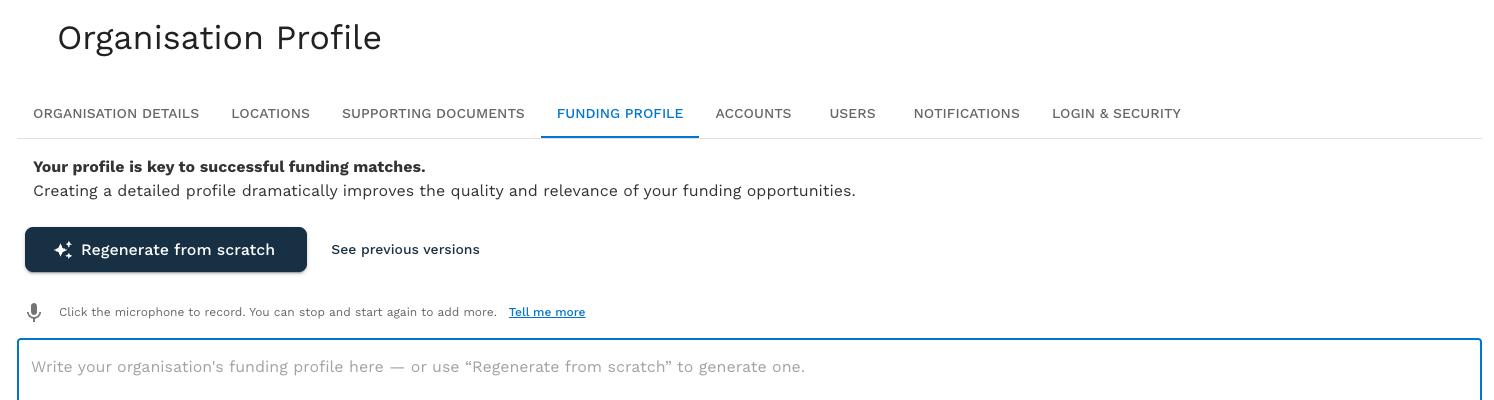
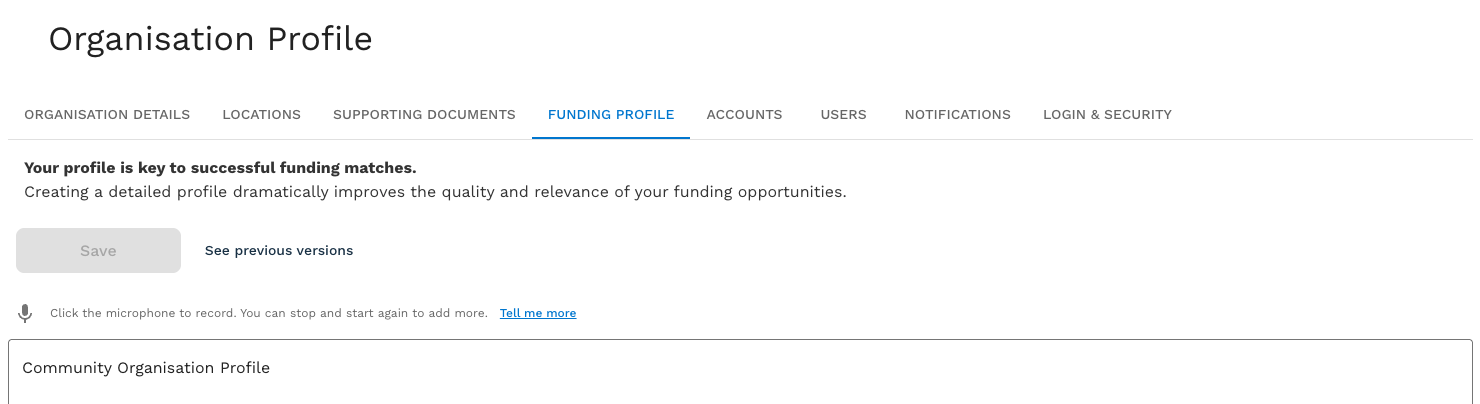
You can edit the profile text at any time — the box is always editable. Make your changes and click Save. There is no separate "Edit" button; the profile is always ready to edit.
Regenerating from scratch
If you'd rather start over instead of editing, clear the profile text box. The Save button is replaced by Regenerate from scratch — click it and Fundsorter rebuilds your profile from your organisation details and supporting documents, replacing what was there. Your previous version is still kept in the revision history if you want it back.